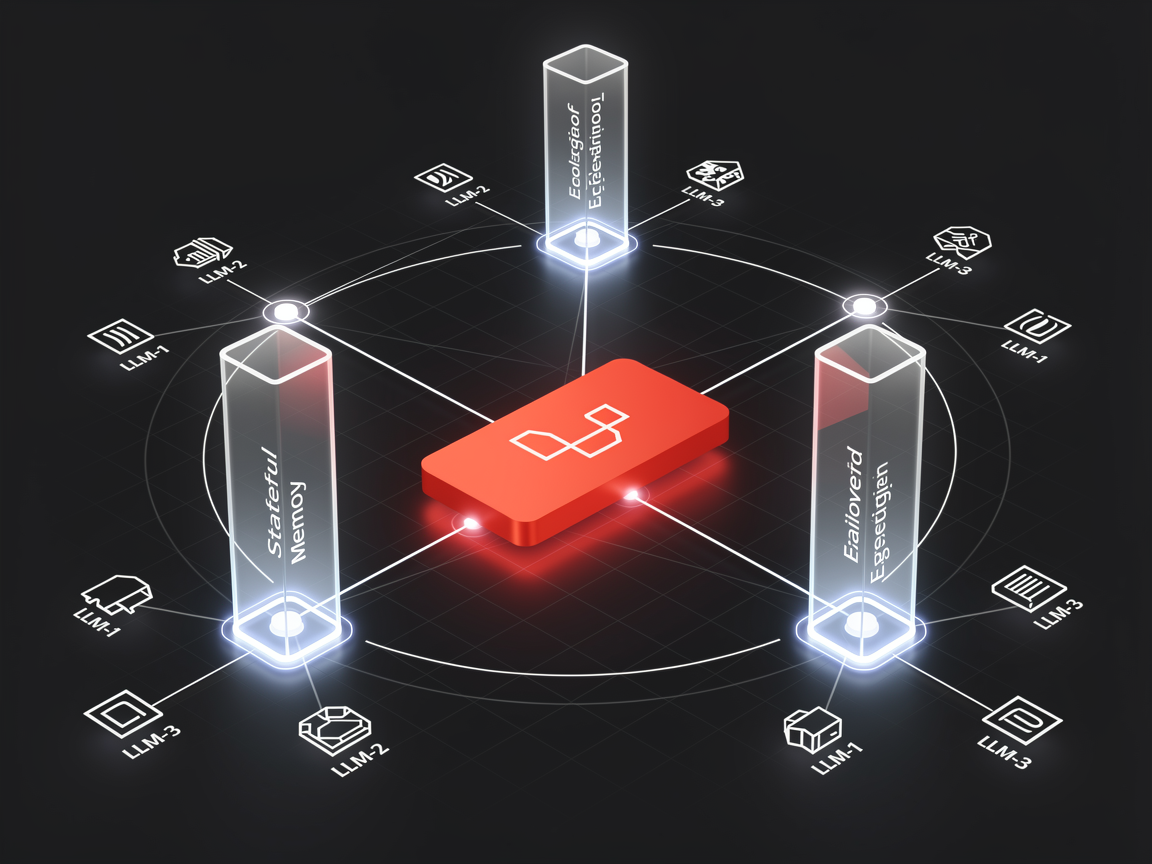
For years, if a PHP developer wanted to build complex AI features like autonomous agents, structured JSON parsing, or tool execution, the advice was almost always the same: "Write a microservice in Python using LangChain, and talk to it via an API." With the release of Laravel 13, that era is officially over. The introduction of the first-party Laravel AI SDK (laravel/ai) transforms the framework into an AI-native ecosystem. We don't just write wrappers anymore; we build isolated, reusable Agent Classes that tie directly into Laravel's core features like queues, events, and database storage.
Let's look at how to build a production-grade Support Agent that reads user context, hooks into your database, and features bulletproof network failover.
The AI-Native Paradigm Shift: What is laravel/ai?
The Laravel AI SDK acts as an elegant abstraction layer over multiple underlying models (OpenAI, Anthropic, Gemini, Groq, DeepSeek, and local Ollama instances). Instead of scattering API configuration arrays across your application controllers, your AI instructions are encapsulated inside single classes.
Think of an Agent as a controller specifically optimized for LLM communication. It controls the system instructions, handles conversation state tracking, registers execution tools, and enforces schema compliance natively.
Step 1: Scaffolding Your First Dedicated Agent Class
The SDK ships with a first-class Artisan command to generate your agent scaffolds instantly. Let's create an administrative support agent:
Bash
php artisan make:agent CustomerSupportAgent
This generates a clean PHP class located inside your app/Ai/Agents/ directory. Let's open it up and give it some foundational system instructions:
PHP
// app/Ai/Agents/CustomerSupportAgent.php
namespace App\Ai\Agents;

use Laravel\Ai\Contracts\Agent;
use Laravel\Ai\Promptable;
use Stringable;

class CustomerSupportAgent implements Agent
{
    use Promptable;

    public function instructions(): Stringable|string
    {
        return "You are an elite customer support specialist for an enterprise SaaS platform.
                Always maintain a helpful tone, and cross-reference user records before acting.";
    }
}
Step 2: Implementing Stateful Conversation Memory
Large language models are inherently stateless. To avoid building complex history arrays yourself, the Laravel AI SDK introduces the Conversational interface alongside memory traits that handle session management automatically via your migration databases.
PHP
use Laravel\Ai\Contracts\Conversational;
use Laravel\Ai\Concerns\RemembersConversations;

class CustomerSupportAgent implements Agent, Conversational
{
    use Promptable, RemembersConversations;

    // The SDK automatically maps chat histories scoped to this model entity
    public function __construct(public User $user) {}
}
Now, invoking the agent anywhere in your controllers automatically fetches the last 50 relative messages from your database cache, giving the model full situational awareness:
PHP
$agent = new CustomerSupportAgent($request->user());
$response = $agent->prompt("My last service request isn't updating.");
Step 3: Giving Your Agent "Hands" with Function Tool-Calling
An agent that can only reply with raw markdown text isn't an autonomous worker—it's a chatbot. To give your agent real capabilities, you can bind custom PHP functions as Tools that the language model can decide to execute mid-thought.
Let's say we want our agent to fetch real-time listing details for a user. We can declare a tool method natively using the HasTools contract:
PHP
use Laravel\Ai\Contracts\HasTools;
use App\Ai\Tools\FetchServiceListing;

class CustomerSupportAgent implements Agent, HasTools
{
    public function tools(): iterable
    {
        return [
            new FetchServiceListing, // A custom PHP class handling data lookup
        ];
    }
}
When a user asks: "Is the pricing correct on listing #482?", the SDK performs an automated handshake: the model requests the tool, Laravel intercepts the request, runs your raw local PHP database code, and returns the data back to the model seamlessly before responding to the user.
Production Resiliency: Configuring Multi-Provider API Failover
In a production environment, relying on a single upstream model provider is an immense operational risk. If an API provider experiences downtime or hits rate-limiting walls, your web experience crashes.
The Laravel AI SDK solves this by introducing a built-in, non-blocking Failover Architecture. Inside your config/ai.php file, you can pass an ordered array of providers:
PHP
// Passing a fallback array directly within your app setup
$response = (new CustomerSupportAgent($user))->prompt(
    text: "Review this enterprise data contract.",
    provider: ['openai', 'anthropic', 'gemini']
);
If the primary provider throws a 503 network exception, the SDK catches the event silently behind the scenes, switches your payload execution to the secondary fallback architecture (like Claude 3.5 Sonnet or Gemini 1.5 Pro), and returns the results without a single error ever visible to your end-user.
FAQ: Frequently Asked Questions on the Laravel 13 AI SDK
Q: Do I need a separate vector database package to execute RAG with the SDK? No. The Laravel AI SDK includes built-in Vector Store mechanisms designed to interface directly with your existing PostgreSQL pgvector installations. You can generate and cache embeddings seamlessly out of the box.
Q: Does the SDK support streaming text outputs? Yes. You can use the ->stream() method on any prompt reaction loop to tap into server-sent events, allowing your front-end components to render incoming text responses word-by-word just like ChatGPT.
Related Articles
Discussion
Leave a comment
Comments are moderated before appearing.
No comments yet — be the first to share your thoughts.