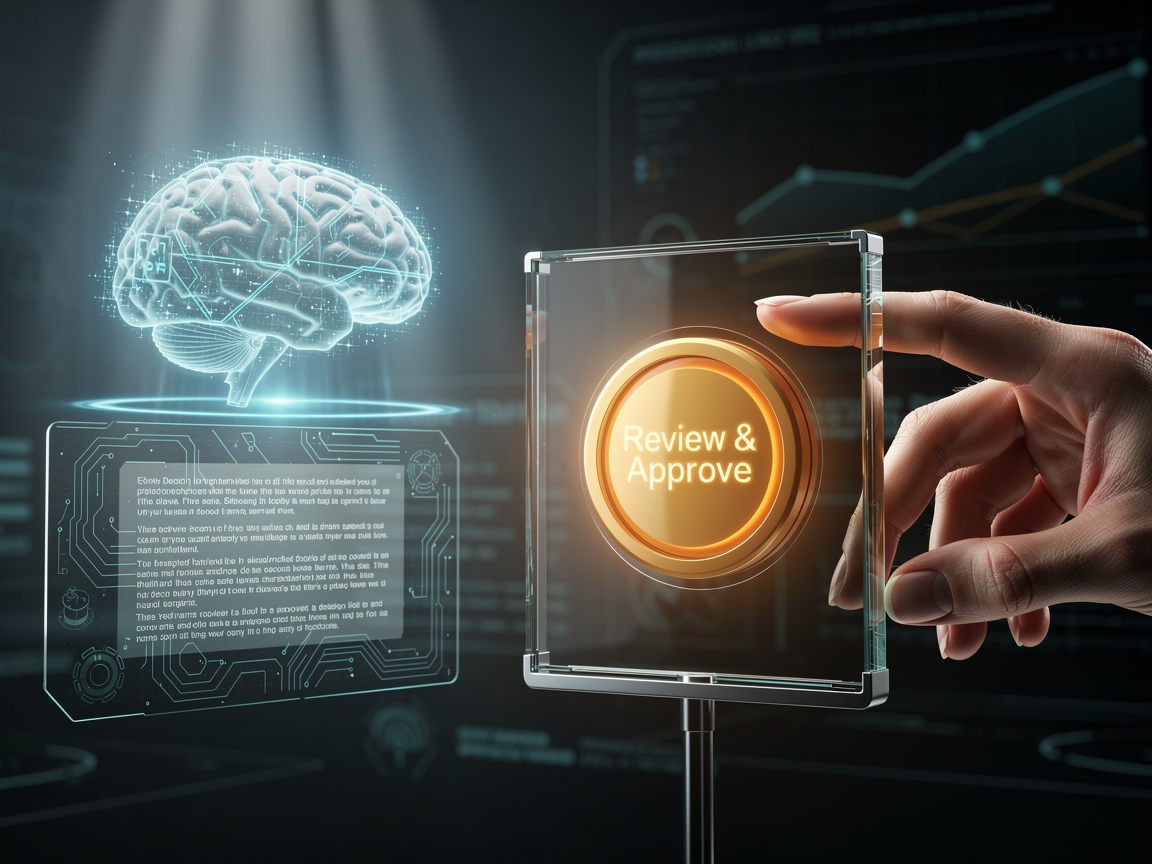
The 'Edit' Button for AI: Implementing Multi-Step Approval Workflows in Laravel 13 RAG
We’ve all seen it: an AI agent confidently tells a customer they can have a full refund for a non-refundable product, or it hallucinates a legal clause that doesn’t exist. In 2026, "oops" isn't a valid architectural strategy. As a Solution Architect, I’m seeing a massive pivot toward Human-in-the-Loop (HITL) systems.
The goal isn't to slow down the AI, but to give it a "Safety Valve." If you're building a retrieval-augmented generation (RAG) architecture, you need an "Edit" button before that generated text hits the user's screen.
Let's look at how to build this "Trust-First" search engine using the new Laravel 13 AI SDK and Livewire v4.
The Intercept: Why "Draft Mode" is Your New Best Friend
Honestly, the biggest mistake people make with RAG is treated as a linear pipe: User Query → Vector Search → LLM → User. In 2026, we’re adding a checkpoint. We want the LLM to create a Draft, notify a human, and only "Publish" once it's been vetted.
You know what? This doesn't have to be a bottleneck. For routine queries, the AI can proceed. But for high-sensitivity topics—think "Billing" or "Compliance"—the Laravel AI SDK can trigger a mandatory review.
Step 1: Scaffolding the Agentic Workflow
In Laravel 13, we define our search agent with specific instructions to flag sensitive content. We’re using the new php artisan make:agent SearchIntelligenceAgent command.
PHP
// app/Ai/Agents/SearchIntelligenceAgent.php
public function instructions(): string
{
    return "Search the knowledge base. If the query involves pricing or refunds,
            mark the response as 'pending_review'.";
}
Step 2: The Livewire v4 Review Panel
This is where the magic happens. We need a UI that feels instant. Livewire v4 is perfect here because it handles the real-time state between the AI’s draft and the human’s edit.
When the agent finishes its "search and draft" phase, we store the result in a draft_responses table. Our admin dashboard (built with Tailwind CSS v4) pops up a notification.
PHP
// In your Livewire Component
public function approve($draftId)
{
    $draft = DraftResponse::find($draftId);
    // Optional: Let the human edit the text before sending
    $this->emit('responsePublished', $draft->content);
}
Step 3: Implementing the "Pause and Resume"
The Laravel 13 AI SDK makes this incredibly clean. You can use the requires_confirmation attribute on your tools. If the AI wants to use a "SendToUser" tool, the SDK can automatically pause the execution and wait for an external signal.
It’s like having a very smart intern who always asks, "Hey, does this look right before I hit send?"
The "So What?" for Your 2026 Stack
Transitioning into Data Engineering has taught me that data integrity isn't just about bits and bytes—it's about contextual accuracy. By building an "Edit" button, you aren't admitting the AI is weak; you're proving your architecture is robust.
Whether you're managing a dealer network or a hyper-local service, adding that human layer is how you build long-term trust. Isn't that what we're all actually building for?
Related Articles

Discussion
Leave a comment
Comments are moderated before appearing.
No comments yet — be the first to share your thoughts.