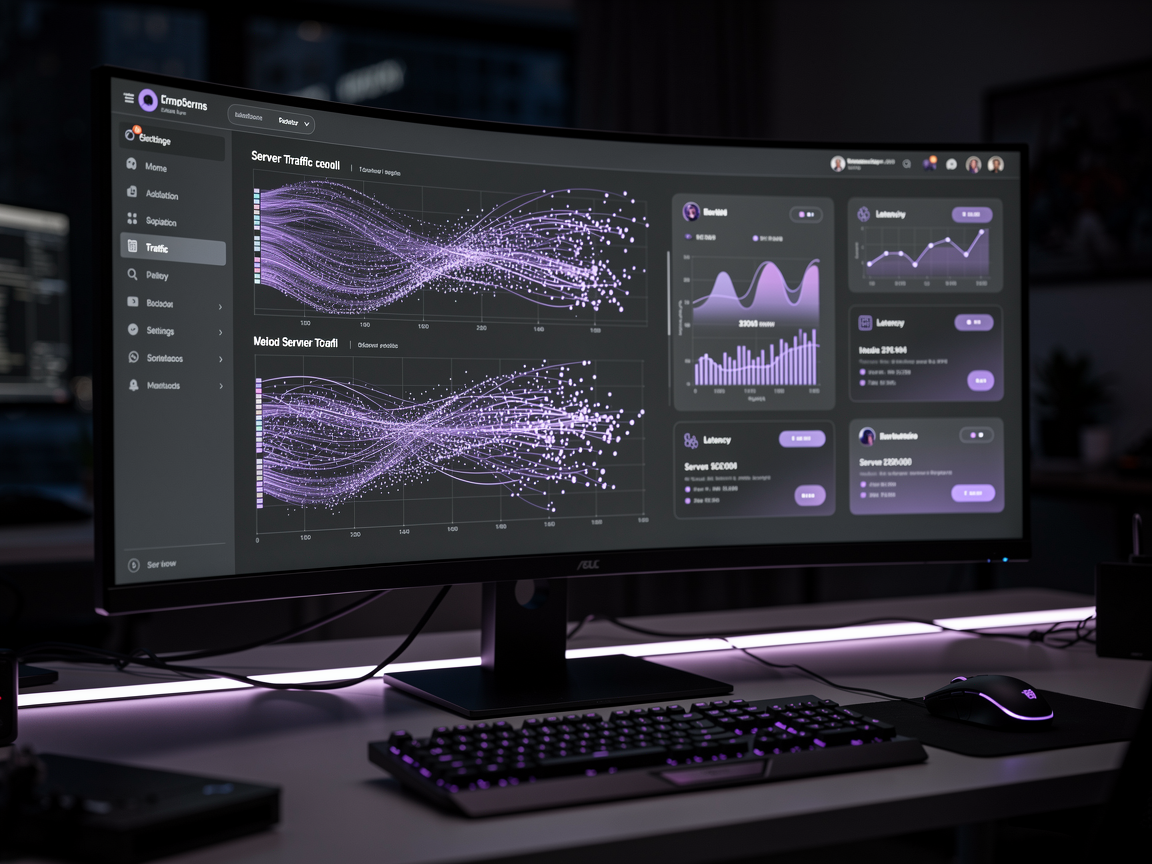
When you are managing a high-performance search infrastructure—whether it's native vector similarity clusters or a multi-stage Vespa hybrid ranking engine—visibility is everything. You need to see incoming query volumes, P99 latencies, and AI token distribution as they happen.
Traditionally, displaying live data on a management panel meant setting up aggressive frontend polling intervals or installing heavy monitoring agents. In 2026, that approach is an anti-pattern. Polling creates unnecessary read load on your operational databases exactly when they are fighting for I/O bandwidth.
With Laravel 13, we can leverage Laravel Reverb to build a lightweight, blazing-fast, real-time telemetry dashboard that streams search events to your screen the millisecond they terminate.
Enter Laravel Reverb: Zero-Dependency WebSockets
Laravel Reverb completely redefined real-time PHP application layout when it launched, but Laravel 13 takes it a step further by introducing the Native Database Driver for Reverb.
Historically, running a WebSocket server meant you had to provision a Redis instance to handle backplane state. For microservices or single-node deployments that don't otherwise require Redis, this added annoying infrastructural overhead. The Laravel 13 database driver lets you run native WebSockets out of the box with zero third-party dependencies, drastically lowering the cost and complexity of your observability layer.
Step 1: Setting Up Reverb with the New Database Driver
First, pull in broadcasting capabilities using the unified installer command:
Bash
php artisan install:broadcasting
When prompted for your driver choice, select reverb. Next, flip your environment settings in your .env file to utilize the database layout rather than Redis:
Code snippet
BROADCAST_CONNECTION=reverb
REVERB_DRIVER=database

# Front-end exposure variables
VITE_REVERB_APP_KEY="${REVERB_APP_KEY}"
VITE_REVERB_HOST="${REVERB_HOST}"
VITE_REVERB_PORT="${REVERB_PORT}"
Run your migrations (php artisan migrate) to build the internal Reverb tables, and your native event server is ready to handle persistent connections.
Step 2: Creating the Broadcastable Search Metrics Event
Every time your application processes a search query (such as invoking an Eloquent vector method), we want to fire a non-blocking event that transmits the telemetry data across the WebSocket pipe.
PHP
// app/Events/SearchQueryProcessed.php
namespace App\Events;

use Illuminate\Broadcasting\Channel;
use Illuminate\Broadcasting\InteractsWithSockets;
use Illuminate\Contracts\Broadcasting\ShouldBroadcast;
use Illuminate\Foundation\Events\Dispatchable;
use Illuminate\Queue\SerializesModels;

class SearchQueryProcessed implements ShouldBroadcast
{
    use Dispatchable, InteractsWithSockets, SerializesModels;

    public function __construct(
        public array $telemetryData // latency, tokens, query string
    ) {}

    public function broadcastOn(): Channel
    {
        // Public channel for administrative infrastructure views
        return new Channel('search-telemetry');
    }

    public function broadcastAs(): string
    {
        return 'metrics.updated';
    }
}
Architect's Pro-Tip: Always make sure your broadcast events are queued (ShouldBroadcast implements queue handling by default). You never want an instrumentation layer adding latency to the main HTTP request thread.
Step 3: Wiring the Frontend with Livewire v4 and Alpine.js
Now, we build the administrative panel view. Thanks to Livewire v4 (released early 2026), listening to server-side WebSocket events requires absolutely zero custom JavaScript boilerplate.
PHP
// app/Livewire/SearchTelemetryDashboard.php
namespace App\Livewire;

use Livewire\Component;
use Livewire\Attributes\On;

class SearchTelemetryDashboard extends Component
{
    public array $stats = [
        'total_queries' => 0,
        'avg_latency' => 0,
    ];

    // Native Livewire v4 syntax for echoing real-time events
    #[On('echo:search-telemetry,metrics.updated')]
    public function handleTelemetryUpdate($event)
    {
        $this->stats['total_queries']++;
        $this->stats['avg_latency'] = $event['telemetryData']['latency'];
    }

    public function render()
    {
        return view('livewire.search-telemetry-dashboard');
    }
}
In your Blade layout, simply render the Livewire component inside a dark-mode styled grid using Tailwind CSS v4 utilities to watch your metrics tick upward cleanly in real-time.
Architectural Insight: Handling High-Throughput Streams Safely
If your platform is processing thousands of searches per second—like an active enterprise data index—broadcasting an event for every single query will inevitably flood your WebSocket connections.
In high-volume scenarios, don't broadcast raw events inline. Instead, use a data engineering buffering strategy: collect the telemetry inside an in-memory cache, batch the numbers using a scheduled task or a high-speed background worker, and broadcast an aggregated "snapshot" event once every 1,000 milliseconds. This guarantees your dashboard stays real-time without roasting your system's network cards.
FAQ: Common Questions on Laravel 13 Broadcasting
Q: Is the Reverb Database Driver performant enough for production?
For small-to-medium systems, internal management utilities, and dashboards, it performs excellently. However, if you are scaling past thousands of simultaneous open WebSocket channels, switching the backend backplane to Redis or Ably is trivial and can be done entirely via your .env configuration.
Q: Can I secure these metric channels?
Yes. For production observability, you should swap the generic Channel out for a PrivateChannel and verify authentication rules inside your routes/channels.php file to ensure only verified system administrators can listen to infrastructure health feeds.
Related Articles


Discussion
Leave a comment
Comments are moderated before appearing.
No comments yet — be the first to share your thoughts.